

Reviews
This is an excellent piece of software, which solves the deficiencies of software supplied with chronographs. I would highly recommend it. Great value too.
Peter Montanez, UKAs a tight wad and IT Technician I run it on a basic Netbook (Aldi Medion) It runs Win 7 home basic x32 bit and never falters!
David Smith, UK
About Chrono Connect
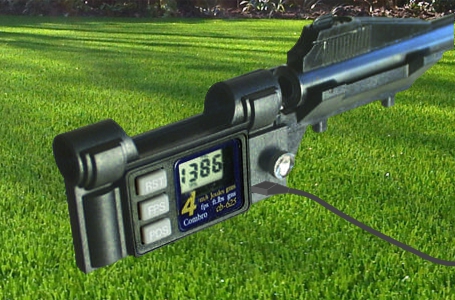
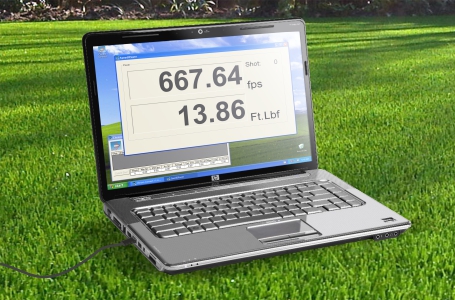
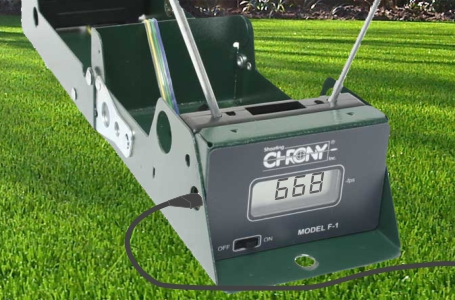
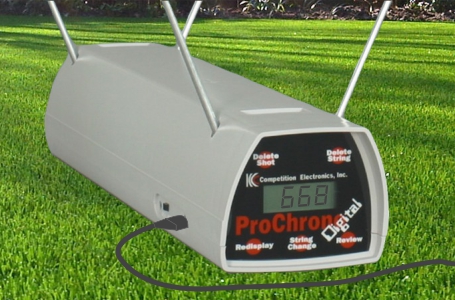
Chrono Connect 1.6 is program for collecting data from a chronograph connected by serial cable, USB-Serial adapter cable or USB ( for CED M2 ) to a PC. Chrono Connect registers and can let you save the power of projectiles being fired through your chronograph.
Keeping track of your airguns power is important if you want the best from your sport. Chrono Connect allows you to take a regular shooting session and turn it into a data gathering session without taking your attention away from whats important, the shooting. Chrono Connect logs all shots that are read by your chronograph when it is connected to a PC and allows you to save the shots for later analysis.Read More